Development guide#
The core logic of phylo2vec is implemented in Rust. The Rust code is accessed
by other languages like Python and R using bindings. The main installable Python
package will contain a hybrid of native Python code and Rust bindings.
Structure of the codebase#
docs: Jupyterbook documentation for phylo2vec. Includes this development
guide, example notebooks, and the API reference.
phylo2vec: The Rust codebase for phylo2vec. This is where the core logic of
phylo2vec is implemented.
py-phylo2vec: The Python codebase for phylo2vec. The Python package uses a
combination of Rust bindings and native Python code to provide the core logic of
phylo2vec.
py-phylo2vec/src/lib.rs: Python bindings for the Rust code. The module
containing the compiled bindings is called _phylo2vec_core.
py-phylo2vec/phylo2vec: Definition of the phylo2vec python API. Most functions
are implemented using the Rust bindings via _phylo2vec_core. However some have
not been ported over yet and contain logic written in Python.
r-phylo2vec: The R codebase for phylo2vec. Follows a similar structure to the
Python package. The R package uses the extendr library to create bindings for
the Rust code.
Pixi#
Pixi is used to compile the Rust code, create Python and R bindings, and install
the package. It simplifies the process of creating and managing multi-language
packages. There are base commands such as test, benchmark, install that
have been defined for each language, each with the necessary steps to run the
tests, benchmarks, and install the package. You should be able to find a pixi
command for most of the tasks you need to do or you can define one yourself in
the pixi.toml. You can also run arbitrary commands directly from the command
line using pixi run -e <environment> <command>. For example:
pixi run -e py-phylo2vec pytest -k "test_to_newick_ordered[256]"
Testing#
To run the unit test suite, you can run the following Pixi commands
pixi run -e default test # Rust tests
pixi run -e py-phylo2vec test # Python tests
pixi run -e r-phylo2vec test # R tests
Benchmarking#
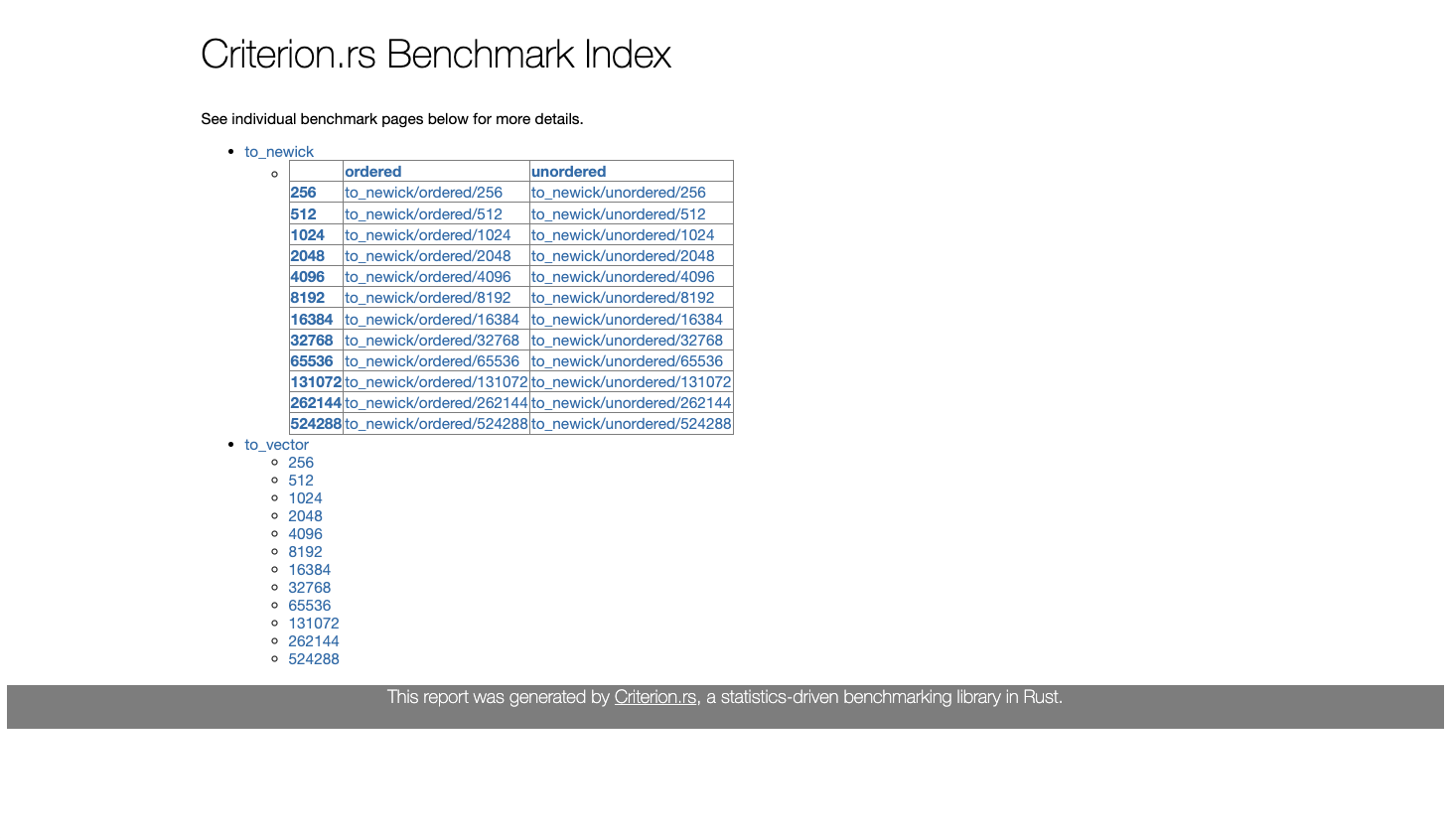
To run the benchmarking suite, you can run the following Pixi commands. Note
that the Rust benchmarks use Criterion which also creates graphs for the
benchmarks. The graphs are located in the target/criterion directory. Note
that these operations will take several minutes to run.
pixi run -e default benchmark # Rust benchmarks
pixi run -e py-phylo2vec benchmark # Python benchmarks
Example Rust criterion benchmark output:
Code profiling#
You can also profile the Rust code using samply and locate bottlenecks. The main
function being profiled by pixi run profile is located at
phylo2vec/src/profile_main.rs. The function runs to_newick and from_newick
with customizable n_leaves for the input size. You can run the following
command to run the default profile and view it in the interactive Mozilla
Firefox profiler:
pixi run -e default profile
By default, this will profile the vector functions for n_leaves = 100000. See sbhattlab/phylo2vec for more information.
Example profile output: 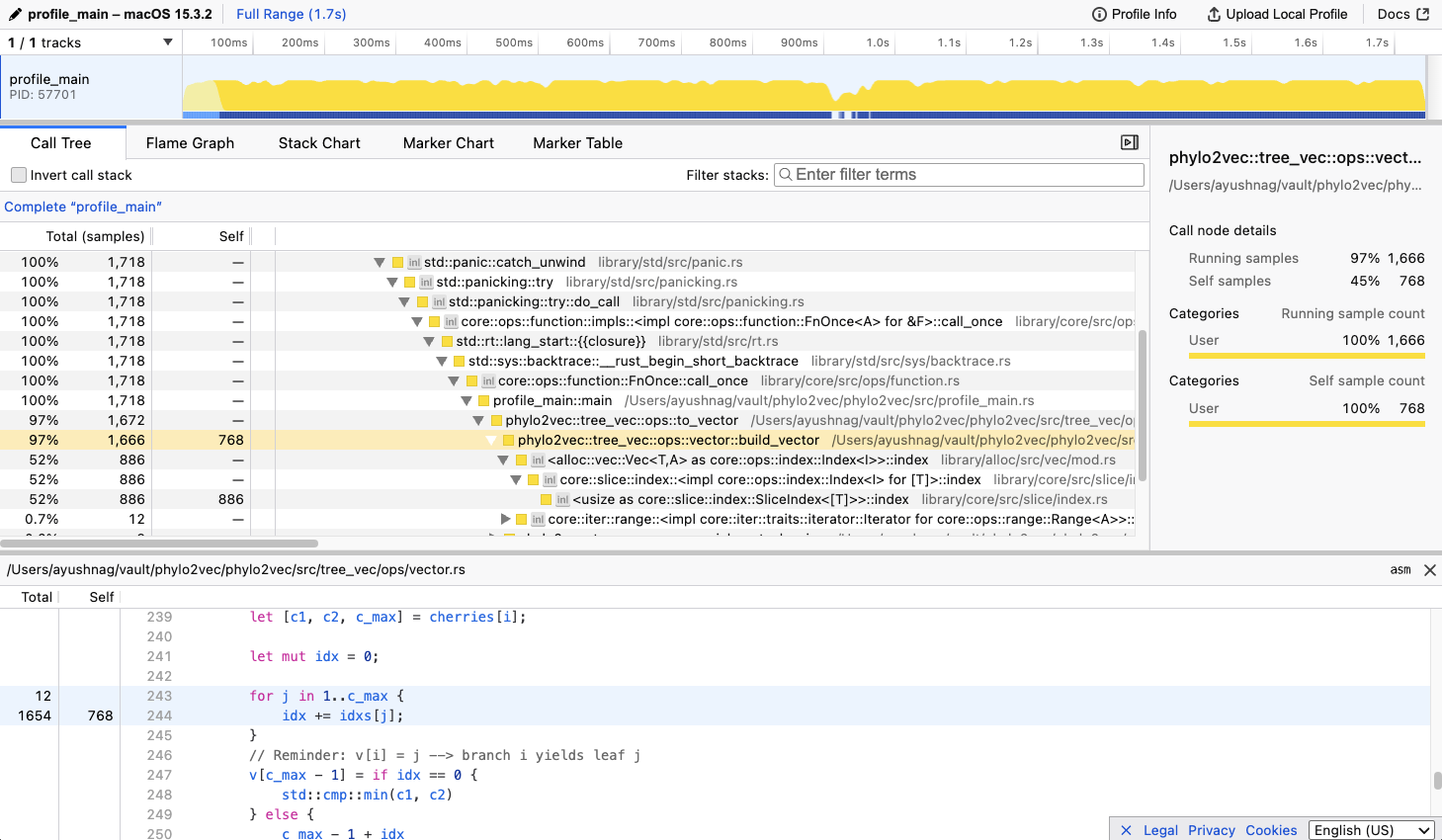
To change the default options, run:
pixi run -e [env] profile [matrix|vector] [n_leaves]
Example for env = py-phylo2vec, matrix functions and n_leaves = 10000:
pixi run -e py-phylo2vec profile matrix 10000
Code coverage#
Although not currently implemented in the CI pipeline, we used the following packages to monitor test coverage:
Rust: cargo-llvm-cov
cargo install cargo-llvm-cov

cargo llvm-cov
Python: pytest-cov
pixi add pytest-cov

pixi run -e py-phylo2vec pytest ./py-phylo2vec/tests --cov=./py-phylo2vec/
R: covr
install.packages("covr")
rcov <- package_coverage("./r-phylo2vec", quiet = FALSE)
Python: py-phylo2vec#
This directory contains the phylo2vec Python codebase, which includes Rust
binding setup. The Rust code is compiled by maturin and pyo3 into a shared
library that is used by the Python package.
To install a development version of the python package, simply run the following
within the root directory of the repository with
pixi:
pixi run -e py-phylo2vec install-python
The phylo2vec Rust core code can be accessed from _phylo2vec_core module
within Python:
from phylo2vec import _phylo2vec_core
R: r-phylo2vec#
This directory contains the phylo2vec R codebase, which includes Rust binding setup.
To quickly install the package and run it, simply run the following
pixi run -e r-phylo2vec install-r
Once the package is installed you can open up the R terminal:
pixi run -e r-phylo2vec R --interactive
In the R terminal, you can then import the phylo2vec library:
library(phylo2vec)

# A small demo
v = sample_vector(10, FALSE)
to_newick(v)
The bindings use extendr, a safe and
user-friendly R extension interface using Rust. You should be able to directly
import the necessary functions from phylo2vec Rust crate.
Note: You will need to run the steps below from the root of the repository for it to work
Open up R command line interactive mode within the pixi environment:
pixi run -e r-phylo2vec R --interactive
1. Modify src/rust/src/lib.rs#
Add the function with @export, so it will get exported from the generated R package. (Without this tag, the function would be available internally for package programming but not externally to users of the package.)
/// Recover a rooted tree (in Newick format) from a Phylo2Vec v
/// @export
#[extendr]
fn to_newick(input_integers: Vec<i32>) -> String {
    let input_vector = input_integers.iter().map(|&x| x as usize).collect();
    let newick = ops::to_newick(&input_vector);
    newick
}
Don’t forget to add the function to extendr_module!:
extendr_module! {
    mod phylo2vec;
    ...
    fn to_newick;
    ...
}
2. Run rextendr::document for building docs and binding R code#
To rebuild the docs and binding code for R, you can simply run
rextendr::document:
# Install rextendr if not already installed
install.packages("rextendr")

# Install phylo2vec package
rextendr::document('./r-phylo2vec')
3. Run devtools::load_all and test the function#
Once in R, you can run the following to load and use the package:
# Compile, install, and load phylo2vec package
devtools::load_all('./r-phylo2vec')

# A small demo
v = sample_vector(5, FALSE)
to_newick_from_vector(v)